Crowns
Anatomic, eggshell provisional on a virtual preparation, pressed and overlay — from the tooth library or a scanned wax-up.
- Anatomic
- Provisional
- Pressed
Version 0.40 · Validation programme open
Crowns, bridges, inlays, veneers and bite splints designed with each material's parameters — and verified on the final mesh before every export.
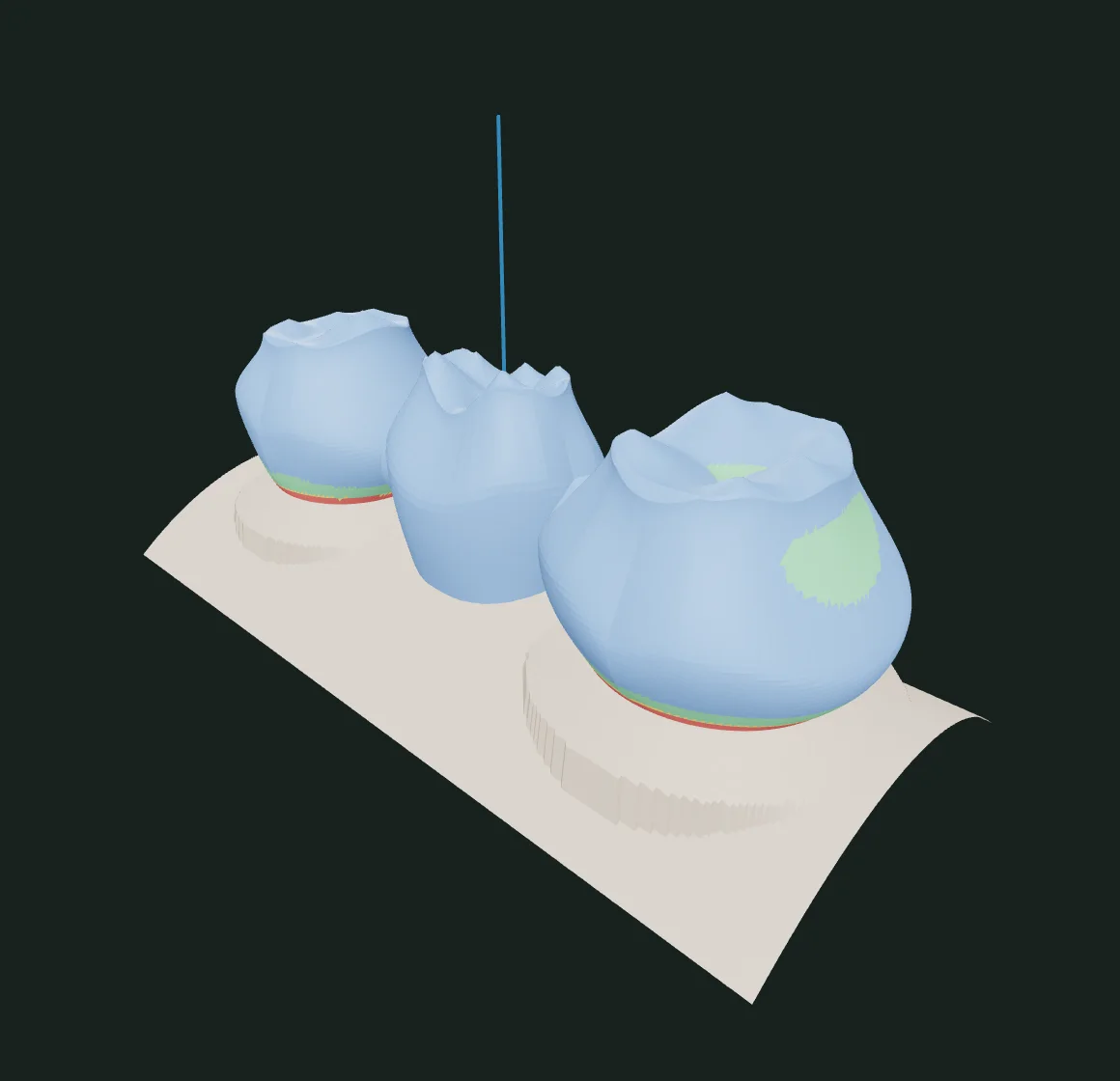
A real capture of the software, on a synthetic demo case. No patient data.
crowns, copings, inlays, veneers, bridges, splints
thicknesses, gaps and reductions per material
original scans are never altered
cases and files stay on your computer
Workflows
Every workflow follows the lab's logic: the work type and the material set thicknesses, gaps, reductions and distances — and you adjust whatever you need.
Anatomic, eggshell provisional on a virtual preparation, pressed and overlay — from the tooth library or a scanned wax-up.
Anatomic coping cut back for layering, or an offset coping, with per-material distances to the antagonist.
Anatomic, reduced or offset, with a smooth transition at the margin, fissure relief and fit to the antagonist.
Library contour fitted to the traced outline, reduction plan, reduction map and mock-up.
Connectors sized by area, ovate or ridge-lap pontics, a common path of insertion and span limits.
Undercut block-out, relief, bite raise and an occlusal surface shaped by the antagonist.
Study models with a base, removable dies with a pin and ditch, and a recessed label.
Wall convergence, reduction, occlusal space to the antagonist and deviation from a reference preparation.
How it works
A clear path, with every step recorded in the case. Pick up where you left off and review any version.
STL, PLY and OBJ with declared units, or the scanner's ZIP package. Arches, pre-op and antagonist in the same scene.
Automatic finish-line detection, point-by-point editing and an insertion axis with undercut analysis.
Library tooth, material parameters and contacts with neighbours and antagonist, ready for fine-tuning.
Thickness and contact maps, connector areas and cement gap measured on the final mesh.
A closed STL for CAM or printing, with the approved version, the provenance and the parameters recorded.
Verification
Cyrino Pro measures the result on the mesh that will be exported: wall thickness, connector area, cement gap, contacts with neighbours and antagonist. Anything out of specification shows in colour — before it reaches the mill.
Report for version r1
Engineering
Traceability, performance and control over your data are not extras. They are the foundation every tool was built on.
Heavy mesh operations run in native code (Rust), with defined memory and time limits.
The original scan bytes and their SHA-256 are stored unchanged. Inspection never silently repairs the file.
Every approved design is frozen with its parameters, notes and report. Changes create a new version.
The desktop app bundles every service. The licence renews online and stays valid for days without a connection.
Verified copies of the database and files, with a restore scheduled from the app itself.
Users, roles and data separated by clinic, with access controlled by the administrators.
Download
During the validation programme, access is by invitation. Enter the code you received from the team to unlock the download.
Validation release: do not use it to treat patients or to manufacture clinical restorations.
No code yet? Talk to the teamWho it's for
Complete crown, bridge, inlay and veneer workflows, with per-material parameters and files ready for milling or printing.
Talk to the teamFrom the intraoral scan to the design in your own clinic, with clear checks before sending to manufacturing.
Talk to the teamScanners, mills, printers and materials: let's talk about integration and joint validation.
Talk to the teamFrequently asked questions
Cyrino Pro is in a validation programme. The software is complete for designing and exporting, but it is still being validated with real scans, clinical control and manufacturing evaluation. Until that is done, it must not be used to treat patients or to manufacture clinical restorations.
Both: an app for macOS and Windows, and a browser version, with the same tools. During validation, access is by an invitation code sent by the team. The form on this page records your interest; it does not create an account in the software.
Yes. The app and this site are available in English and Brazilian Portuguese; the app follows your system language and you can switch at any time.
The workspace imports STL, PLY and OBJ meshes with declared units, and scanner ZIP packages. Designs are exported as closed STL files, with provenance and parameters recorded. Compatibility with each scanner and machine is assessed case by case.
In the desktop app, cases and scans stay on your computer, with backups you control. The licence only exchanges the clinic and computer identification with our servers — never patient data.
Leave your contact details and tell us about your routine in the form below. The team replies with the next steps and, when it makes sense, sends an access code. Do not send patient data.
Validation programme
Tell us about your lab or clinic. We reply with the next steps and, when it makes sense, an access code to the software.
Cyrino Pro is in validation and must not yet be used to treat patients or to manufacture clinical restorations.